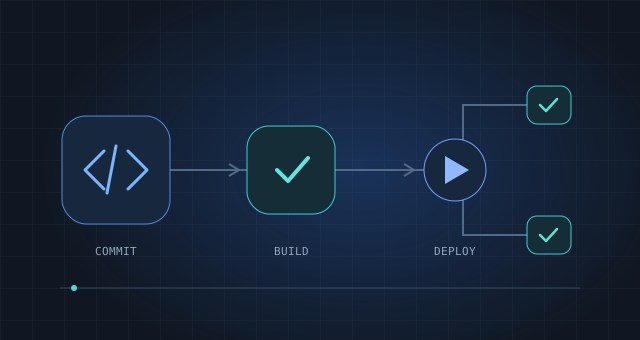
 01 / CASE STUDY
CI Fundamentals
Short lessons, real pipelines, and hands-on labs. A technical curriculum rebuilt from the ground up.
29% → 68% completion
Portfolio
I bring together technical writing, content strategy, and learning design to help people understand complex products and put them to work. My work spans customer onboarding, developer education, and hands-on learning, with a focus on clear guidance and practical outcomes. This portfolio features selected case studies and work samples that show how I turn technical workflows into approachable content.
 01 / CASE STUDY
Short lessons, real pipelines, and hands-on labs. A technical curriculum rebuilt from the ground up.
 02 / CASE STUDY
Practical AI training for troubleshooting pipelines, understanding code, and fixing vulnerabilities.
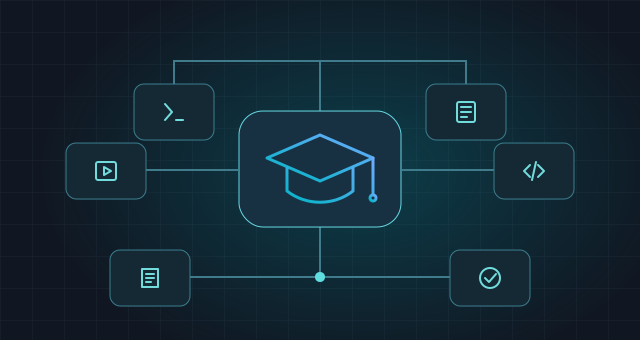 03 / CASE STUDY
A central home for technical learning, from the information architecture to the launch catalog.
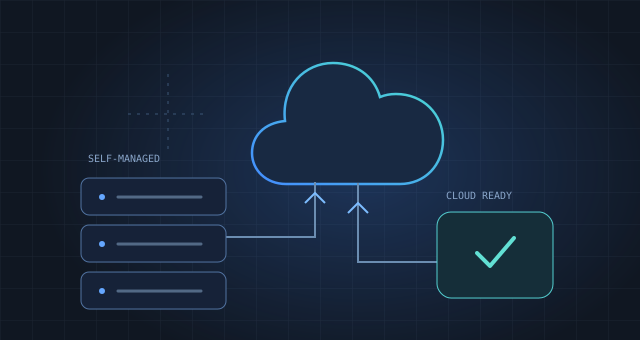 04 / CASE STUDY
Two role-based learning paths that helped a customer team prepare for its move to the cloud.
A shared Style Guide and a hands-on lab: two examples of how I structure and write technical content.
Content standards & governance
A shared reference for content structure, taxonomy, accessibility, and the authoring workflow—from planning through review and publishing.
Explore the Style GuideScenario-based technical writing
A connected set of hands-on GitLab Duo exercises, with environment setup, task instructions, troubleshooting, and expected results.
Read the lab instructionsI connect content strategy, technical writing, and learning design with cross-functional program delivery.
Ed.S., Educational Psychology
B.S., Human Development
— Present
Learning Experience & Curriculum Lead
Defining a shared learning taxonomy and prototyping role-based learning journeys with Codex.
—
Senior Education Architect
Co-led GitLab University and built courses, labs, and videos on AI, CI/CD, and DevOps. Content reached 1.7M+ views with 93–96% CSAT.
—
Technical Instructional Designer → Supervisor
Authored technical onboarding in MadCap Flare using shared content and Git-based workflows, turning 1,000+ pages of documentation into role-based learning.
—
Instructional Designer · UWS & SLCC
Designed accessible digital courses, faculty training, and a university-wide course evaluation process.
Content structure, accessibility, authoring, and review standards. Open the Style Guide in a new tab
Written sample from the original GitLab training. Running the exercises requires the original provisioned environment and invitation code.
Hands-on lab · Full instructions
You've been tasked with creating a simple website for the fictional store, DevOps Swag Shop, to showcase their collection of merch. As a new developer on the team, you need to quickly get up to speed with the project and become familiar with the work that's already been completed and what still needs to be updated to make the site ready for launch. To help you with rapid iterations, you'll use GitLab Duo as you oversee the process end-to-end, including quickly summarizing long discussion threads, committing code changes, managing broken CI/CD pipelines, and addressing security vulnerabilities.
You'll complete all work on the DevOps Swag Store in the GitLab training environment. Follow the steps below to provision your access.
Note: in order to access to the lab environment, you must have a GitLab.com user account. These accounts are free and you can sign up for an account on GitLab.com.
Under your list of projects, you should see a project called DevOps Swag Store.
It's time to get started on your work with the DevOps Swag Store, but first you need to know what you're working on. Prior to being added to the GitLab project, you were assigned an issue outlining some of the history behind the store. In addition to the issue description, there's a scrolling list of comments made from different team members. Using GitLab Duo, read the AI-generated summary below to bring you up to speed:
Update Product Descriptions

All of the products in the catalog currently have very brief, 1-2 sentence descriptions. We should update each product to have a more detailed description that includes:

- Specific features of the product
- Dimensions/sizing information
- Materials used
- Any other relevant details

This will allow customers to make more informed decisions when purchasing products.
From the issue summary, you learned that you'll be picking up with the action item to update the catalog product descriptions. In this exercise, you'll create a new issue in your project to start tracking your work.
You may have noticed as you were working on the DevOps Swag Store merge request that the pipeline failed. Using what you know now about Root Cause Analysis, in this lab we'll use GitLab Duo to fix our broken pipeline.
While the output from GitLab Duo will vary, it should explain the cause of the failure is the exit 1 command in our .gitlab-ci.yml file. In this case, we've intentionally added this code to create a job that always fails. Let's apply the fix to make the job succeed.
Wait for the pipeline to run and verify that the job now succeeds.
Now that we have a successful pipeline and we've finished all the changes to our merge request, go ahead and merge the changes! Then, view your newly deployed page to see your updated product descriptions. Nice work!
Let's check in on our DevOps Swag Store project to see if there are any identified security vulnerabilities and use GitLab Duo to propose any needed fixes.